Start at the strongest moment
A chorus, drop or striking lyric gives a new viewer a reason to stay. You can start the export later in the song instead of using the opening seconds.
 YOLO STUDIO
Create a native 9:16 visualizer for the moment of the song that deserves discovery. Keep the artist name, artwork and reactive spectrum readable on a phone, then connect the Short to the full release on your channel.
A chorus, drop or striking lyric gives a new viewer a reason to stay. You can start the export later in the song instead of using the opening seconds.
Use PRO's 9:16 canvas so the title and visualizer stay clear rather than cropping a landscape project after export.
Keep one call to action: watch the full visualizer, hear the complete song or subscribe for the next release.
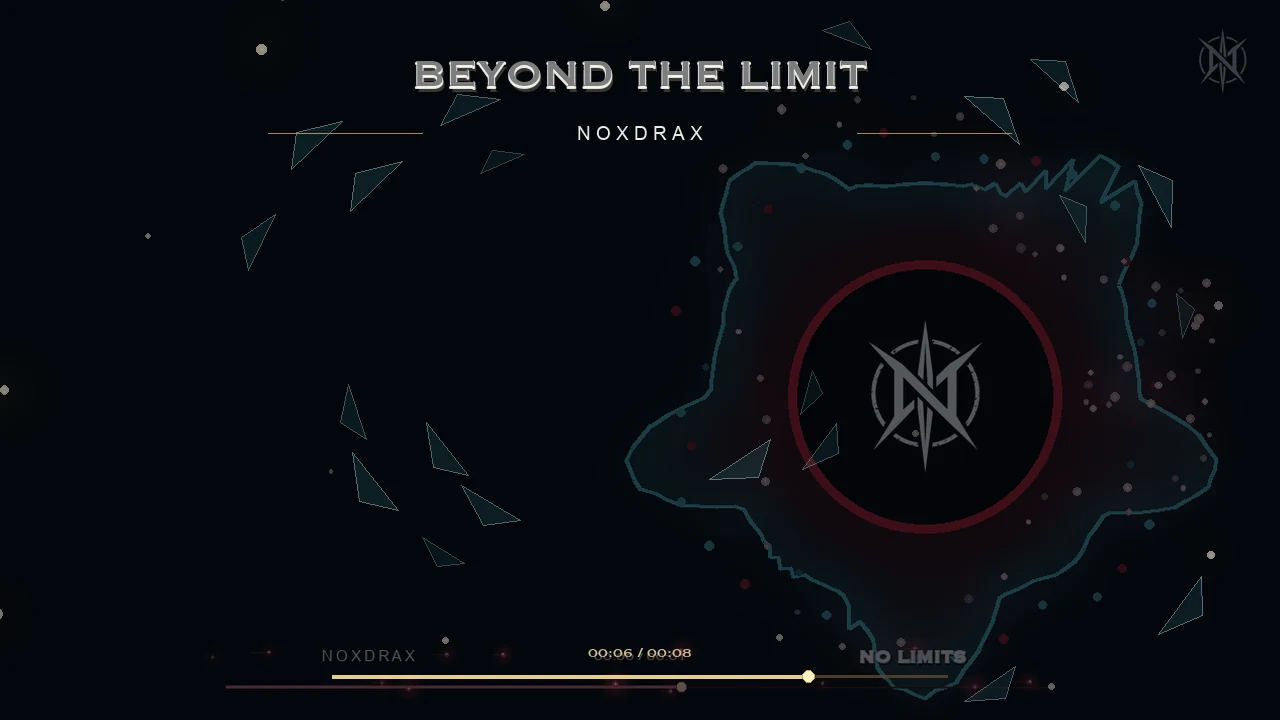
Match the visualizer colour to the cover, keep the same artist typography, and reuse that identity in the full 16:9 upload. A recognisable campaign is more useful than an unrelated effect on every post.
Native 9:16 output is included in YOLO Studio PRO. The Free trial is a way to test the basic workflow, but it is not a free native-vertical export option. Check the edition comparison before choosing your project format.
Build around one musical idea. Leave room for the title and artist, and check the platform preview because buttons and captions may overlap the composition. Exporting the video does not automatically publish it or select an official platform audio track.
Keep the same artwork identity in the short clip and full-length upload, while composing each format separately. The 9:16 tutorial covers the vertical workflow, and the cover-art guide helps prevent cropped titles.
Before publishing, check the first frame, musical entry, final cut and credit spelling on a phone. Compare the export settings for your intended result. A visualizer can support discovery, but it does not guarantee views, subscribers or music streams.
Yes. YOLO Studio PRO exports native 9:16 music visualizers with the track included.
Choose a chorus, drop, vocal turn or distinctive instrumental moment that works without a long introduction.
Yes. Export a separate 16:9 version for the full track and use the vertical Short as its discovery clip.