Tease the strongest moment
Choose a fragment that creates immediate tension or payoff and reveal the release identity clearly.
 YOLO STUDIO
Turn the strongest moment of a single, album or beat into an audio-reactive promo video. YOLO Studio helps independent artists create repeatable campaign assets with their own artwork, footage, palette and sound—without relying on the same generic template for every track.
Use the same artwork, colours and visualizer language across a teaser, release-day post and follow-up variation. The track stays recognisable while the opening hook and format change.
Choose a fragment that creates immediate tension or payoff and reveal the release identity clearly.
Pair the official audio with a clean spectrum, readable artwork and a direct listen or download CTA.
Change the visualizer, footage or hook while preserving the track and campaign identity.
YOLO Studio makes the finished video file on Windows or Mac. It does not post, schedule or promise social reach. That separation keeps you in control of the official audio, artist tags, caption and release timing on each platform.
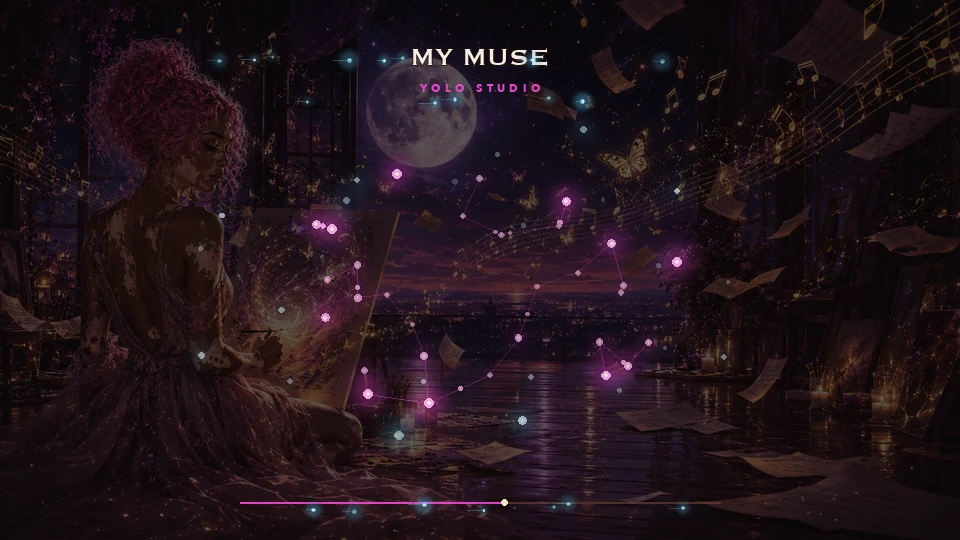
Build a teaser to introduce the release, a launch clip to present its strongest moment, and a follow-up that reveals another musical detail. Keep the artwork and credit spelling consistent, but do not assume that repeating the same clip will reach a new audience.
A visualizer is useful when the music and artwork carry the identity. If the story depends on a performance or narrative scenes, compare a visualizer with a filmed music video before committing to the format.
Confirm the final audio, approved cover and correct artist profiles before creating a video. Review each export at phone size, and provide a clear caption and a working destination link alongside the file. Platform upload, scheduling and official-audio selection are separate from creating the visualizer.
Follow the artwork preparation guide and vertical workflow. For a campaign checklist in Spanish, see the plan de lanzamiento musical and how to choose a song excerpt.
Yes. Combine a track with cover art or footage, then add an audio-reactive visualizer and export the video.
PRO supports 16:9 landscape and native 9:16 vertical output for Reels, TikTok and Shorts.
No. YOLO Studio creates the finished asset. You retain control of publishing, official audio selection, artist credits and scheduling.