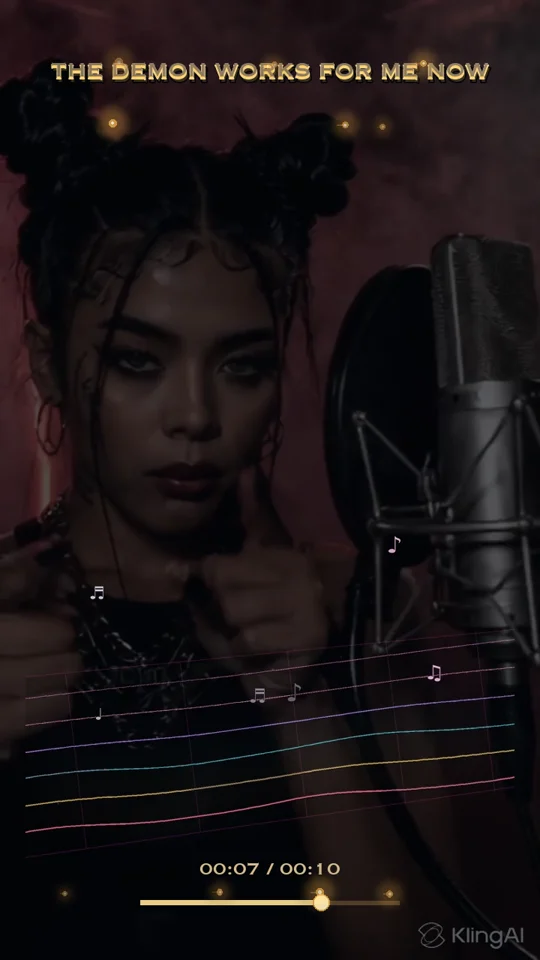
1
Select Vertical · 9:16.
Open FORMAT in Files and switch from Horizontal to Vertical. The chosen visualizer loads its vertical starting preset.
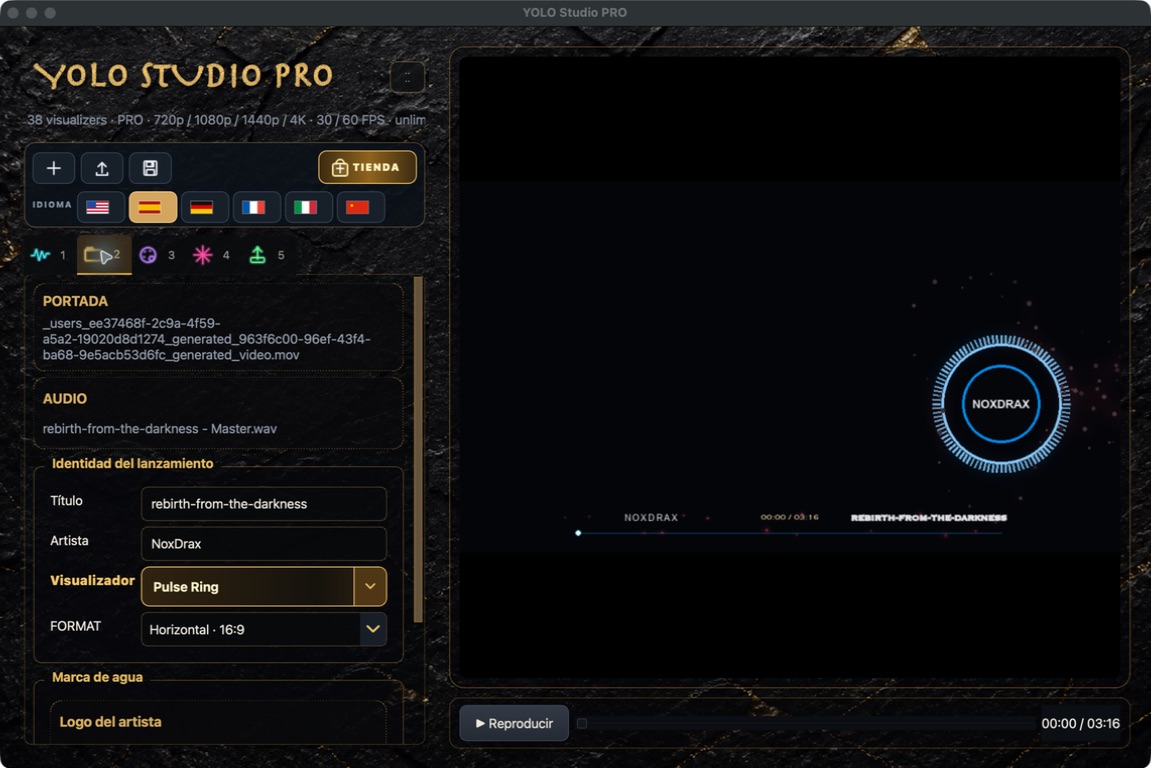
 YOLO STUDIO
A true 9:16 composition is not a cropped landscape video. Reframe the title, artist, visualizer and subject so every element has room on a phone.
See the settingsOpen FORMAT in Files and switch from Horizontal to Vertical. The chosen visualizer loads its vertical starting preset.
Spectral Chords works particularly well over vertical footage. Keep it above the player and away from faces and titles.
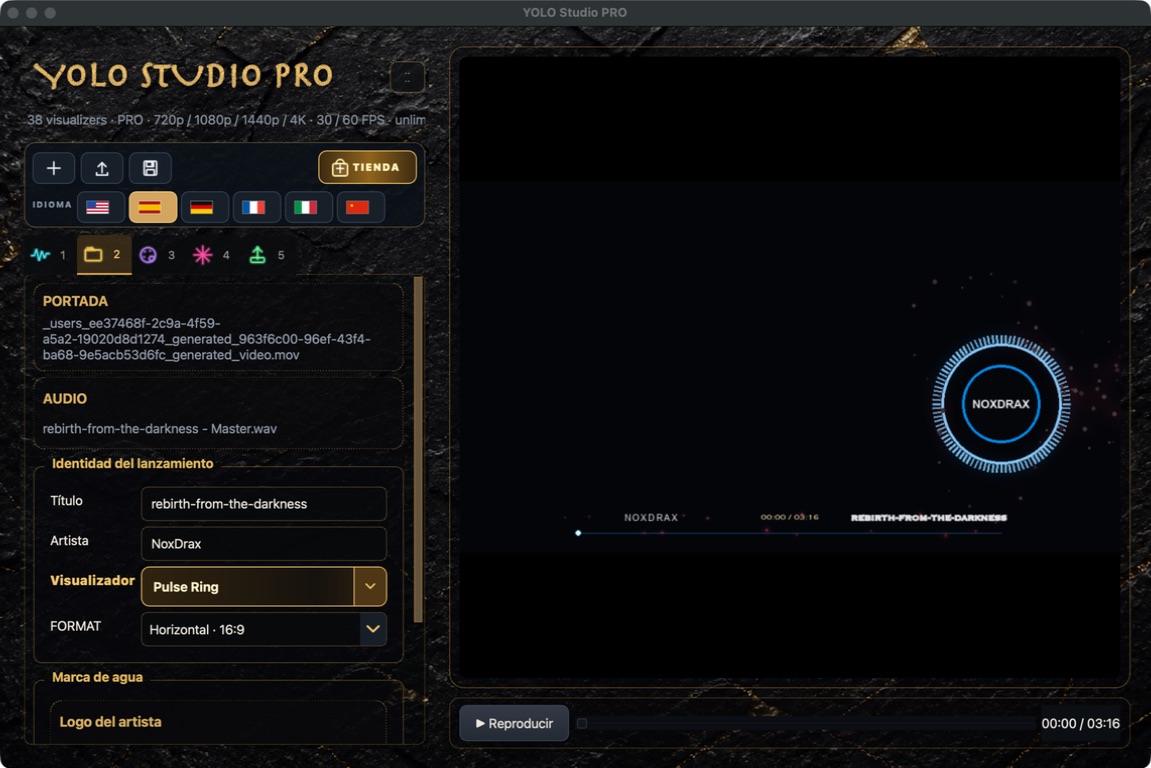
Adjust X position, Y position and size. Every image needs slightly different framing, even with a strong preset.
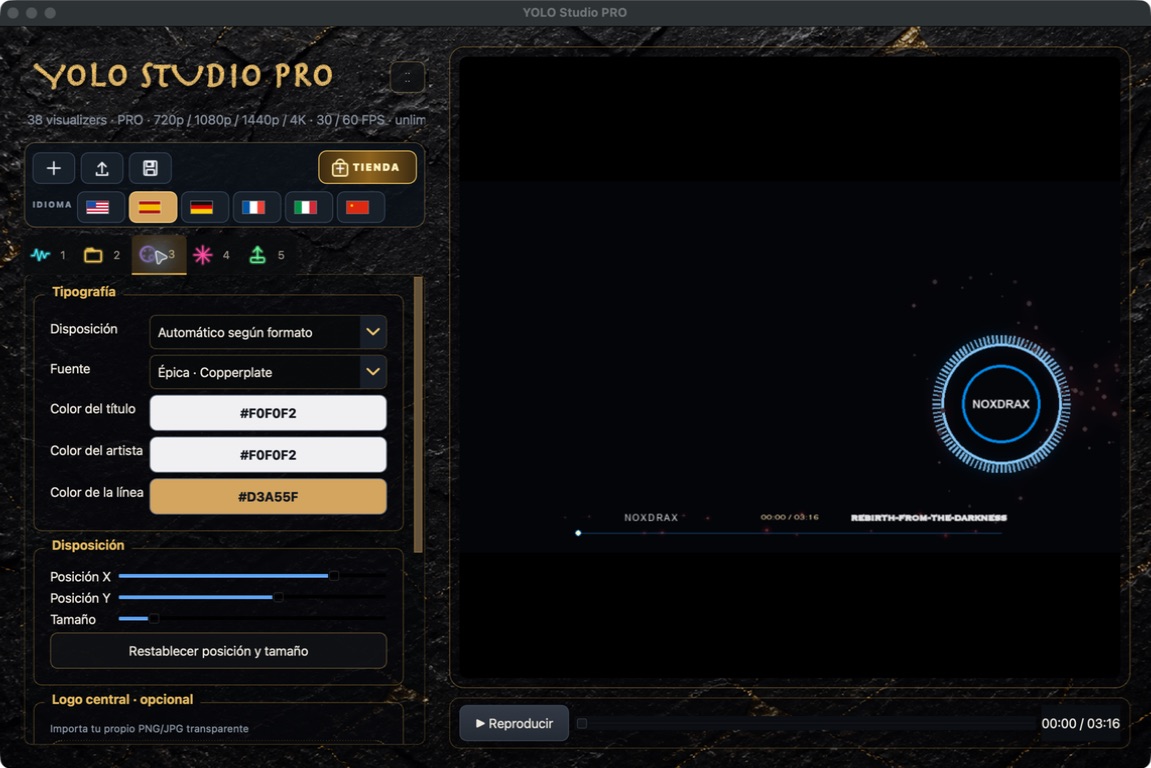
Export 15 seconds and watch it on a phone. Confirm that the social app interface will not cover the title, artist or visualizer.