Add audio and artwork
Use a cover image or, in PRO, moving footage as the visual foundation.
 YOLO STUDIO
Build finished visualizer videos from a song, cover image or background footage. YOLO Studio lets musicians and producers design the audio response, preview the result and render locally on a Windows PC.
Choose a visual language that belongs to the track, keep artwork and artist identity readable, and make the spectrum visibly react to the music.
Use a cover image or, in PRO, moving footage as the visual foundation.
Select a spectrum and tune colour, sensitivity, motion and particles for the genre.
Render 16:9 or, with PRO, native 9:16 video; PRO reaches true 4K at 30 or 60 FPS.
Projects remain on your computer. That is useful for unreleased tracks, long-form mixes and repeated campaign versions.
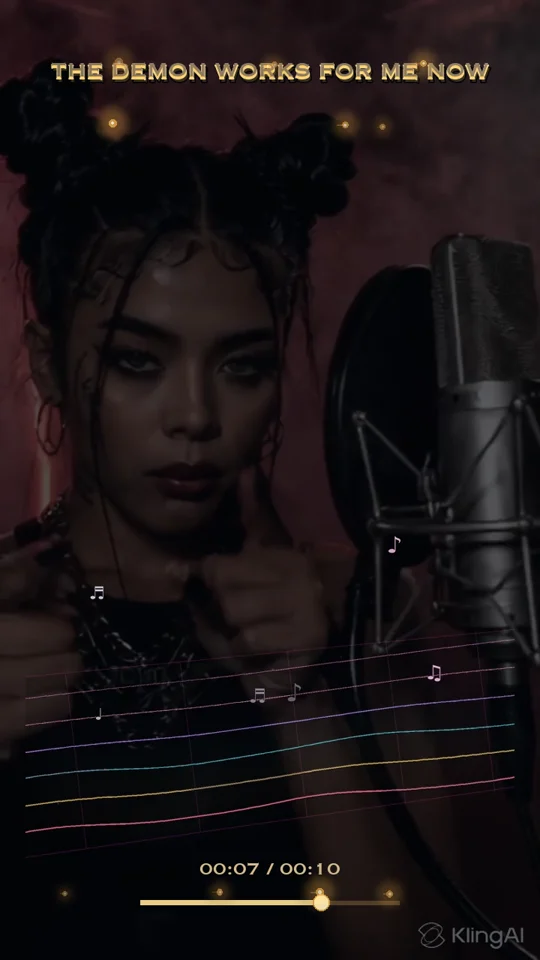
YOLO Studio turns a finished audio track and artwork into a locally rendered music visualizer. It is a desktop production workflow, not a replacement for recording or mixing software. Prepare your final song before building its visual presentation.
The Free trial exports 720p videos up to 2:40 with a watermark. Standard supports 1080p up to 4:30 without a watermark. PRO adds 4K, native 9:16 and unlimited project duration. Compare the current editions before planning a long track or vertical campaign.
Use the first-video walkthrough to build a sample with your own music. Inspect lettering, spectrum movement and the beginning and end of the exported audio. Rendering time depends on the project and your PC; test your intended settings before a release deadline.
For an unreleased song, understand where media is processed. For YouTube or social delivery, compare 1080p, 4K and frame-rate choices rather than assuming the largest export is always necessary.
Yes. YOLO Studio runs on Windows and exports complete videos locally.
Yes. PRO can place your video behind the reactive visualizer. Standard and PRO also support image backgrounds with reactive movement.
No. Free is a seven-day trial; Standard and PRO are one-time licences.
Looking for an audio visualizer on Windows? YOLO Studio is intended for creating exported music videos, rather than replacing a live desktop sound display. Start with your recorded song and artwork, choose a design and inspect a short export on your own computer.
For the overall workflow and edition comparison, explore our desktop audio visualizer software. To understand what the moving display represents, read audio spectrum versus waveform.