1
Add artwork and audio.
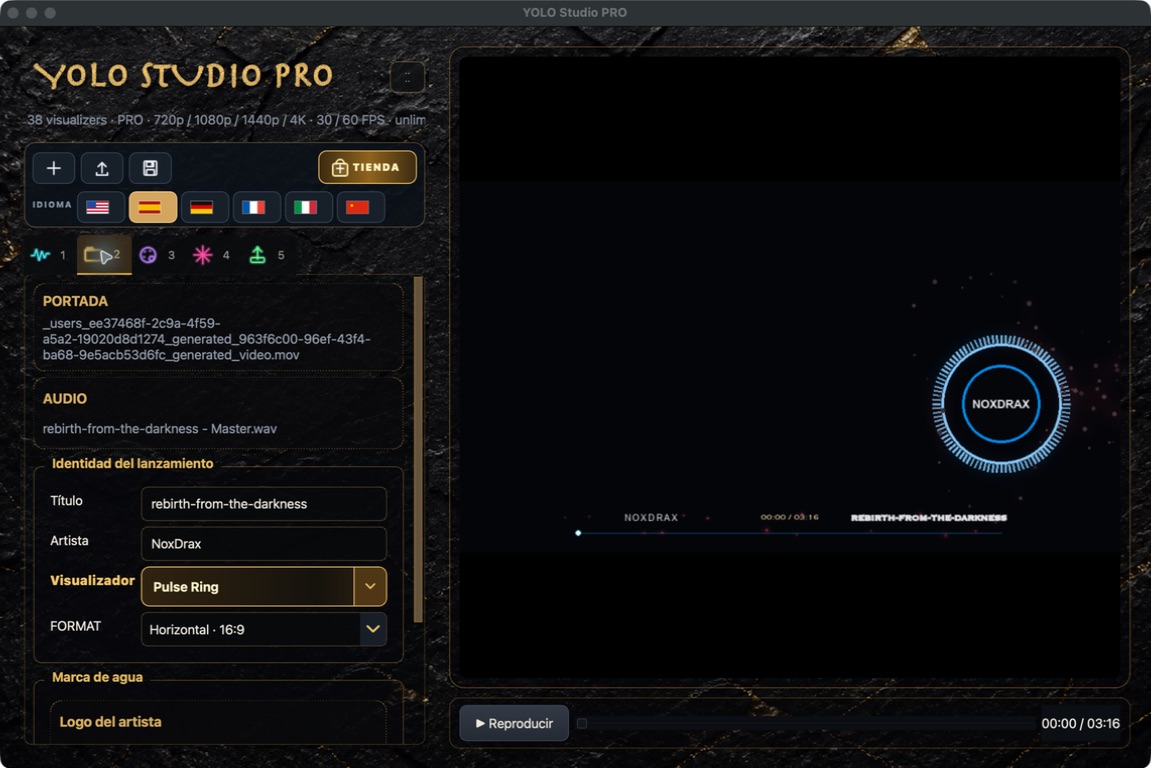
Open Files and drag in the cover image or video and your song. YOLO Studio analyses the audio to synchronise the effects.
 YOLO STUDIO
You need a song and cover artwork. In a few minutes you can preview a reactive composition and export a 15-second test before rendering the full video.
Open Files and drag in the cover image or video and your song. YOLO Studio analyses the audio to synchronise the effects.
Check the release name and artist, then open the visualizer selector—the central creative choice.
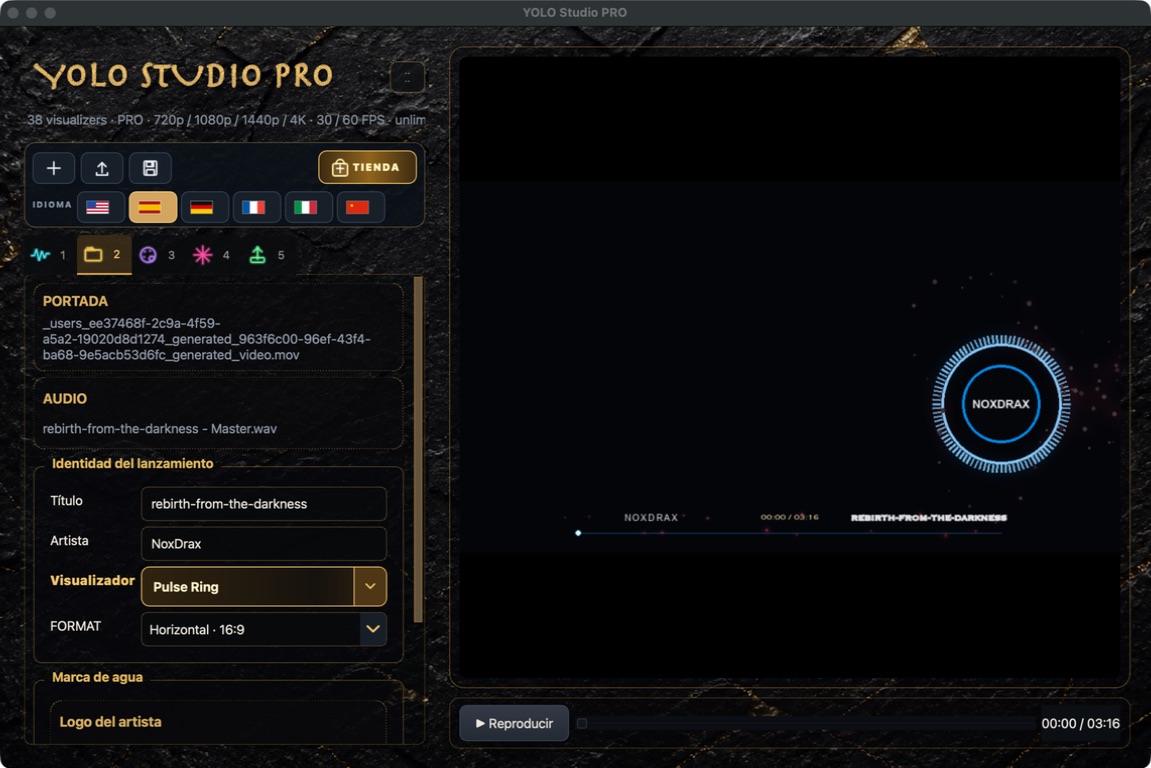
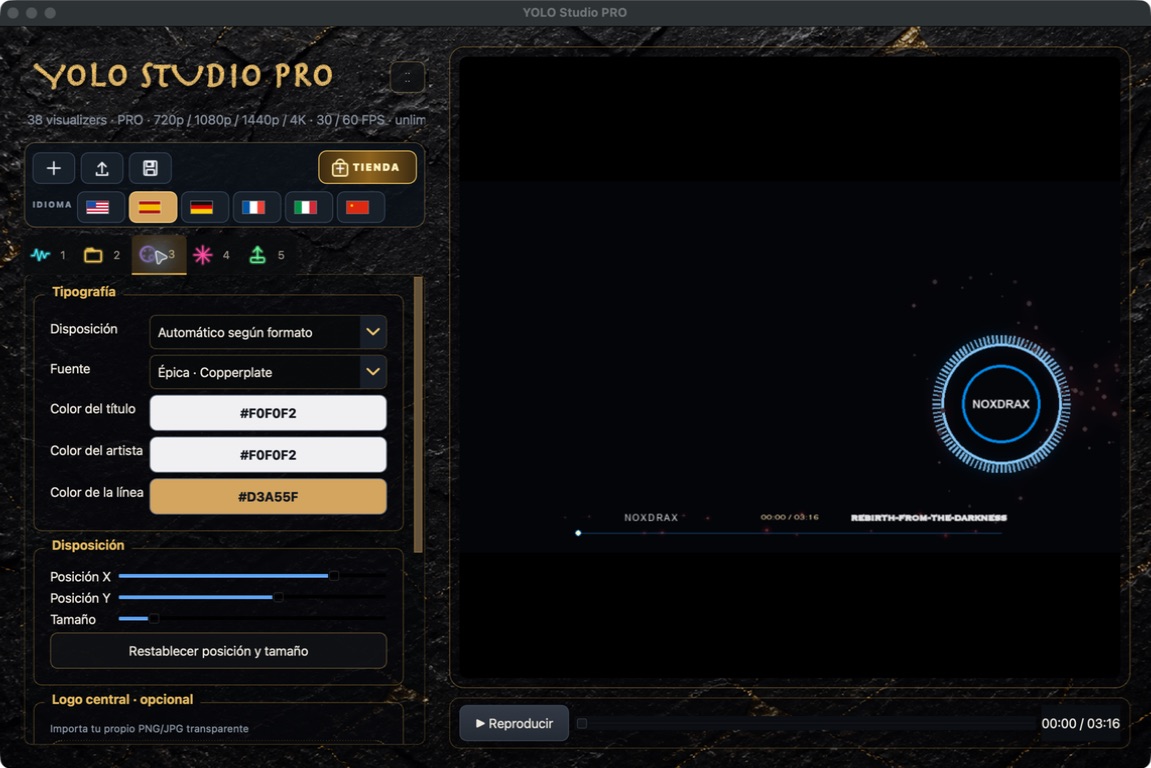
Press Play to hear the track and see the reaction. Change size and position; use Reset position and size whenever you want to start again.
Create a 15-second test from the current timeline position. If text and visualizer are clear, switch to the full duration.
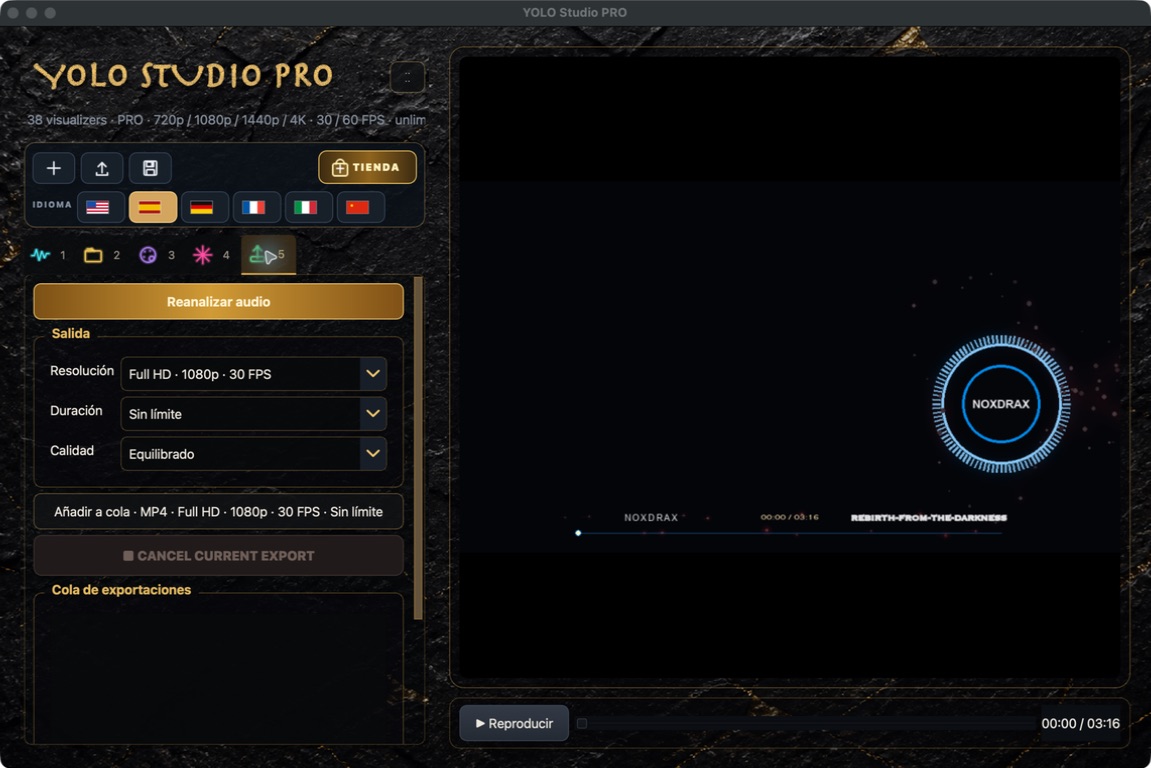
Save the project, try another visualizer or export the complete video.
Next: vertical 9:16