Song and artwork
Start with your audio and cover image. PRO can also place real footage behind the visualizer.
 YOLO STUDIO
YOLO Studio is desktop music visualizer software for artists, producers and labels who want finished video rather than a screen-only effect. Add a song and artwork, choose an audio-reactive design, then export a publishable video locally on macOS.
Load the media you already own, shape the visual response around the song and render the final file without uploading unreleased audio to a browser editor.
Start with your audio and cover image. PRO can also place real footage behind the visualizer.
Choose from distinct visualizer styles, tune the palette, spectrum response, image movement and particles.
Create a landscape upload or, with PRO, a native vertical version for short-form platforms.
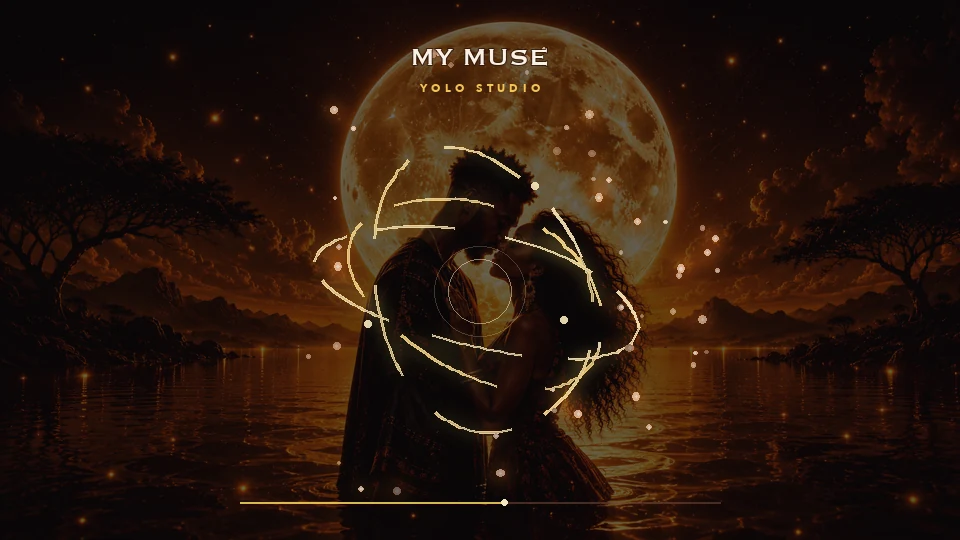
Export time depends on the resolution, effects and your Mac, but there is no per-render credit meter or monthly plan. Standard and PRO are one-time licences.
The Mac download is for Apple Silicon. Do not assume that an Intel Mac is supported: check the installer and current system requirements before purchasing. A short export on your own Mac is a more useful test than a preview alone.
Prepare the actual audio and artwork you intend to use. Start with the Free trial to assess the workflow, but check the edition comparison for export limits: native 9:16 and 4K are PRO features.
Media processing takes place locally; installation, updates or licensing can still involve an internet connection. See the desktop and online workflow comparison. For final delivery, use the export settings guide.
Yes. YOLO Studio has a macOS version and exports the finished video locally.
Yes. PRO supports native 9:16 output for Instagram Reels, TikTok and YouTube Shorts, plus 16:9 landscape video.
No. Your source files and rendering remain on your Mac.
Looking for an audio visualizer on Mac? YOLO Studio is intended for creating exported music videos, rather than replacing a live desktop sound display. Start with your recorded song and artwork, choose a design and inspect a short export on your own computer.
For the overall workflow and edition comparison, explore our desktop audio visualizer software. To understand what the moving display represents, read audio spectrum versus waveform.