Detailed spectrum styles
Use lines and grids when you want the frequency content to read clearly across the frame.
 YOLO STUDIO
Create a music video in which lines, rings, grids or fields react to the audio. YOLO Studio combines the spectrum with your cover image or footage and renders the finished video locally on Windows or Mac.
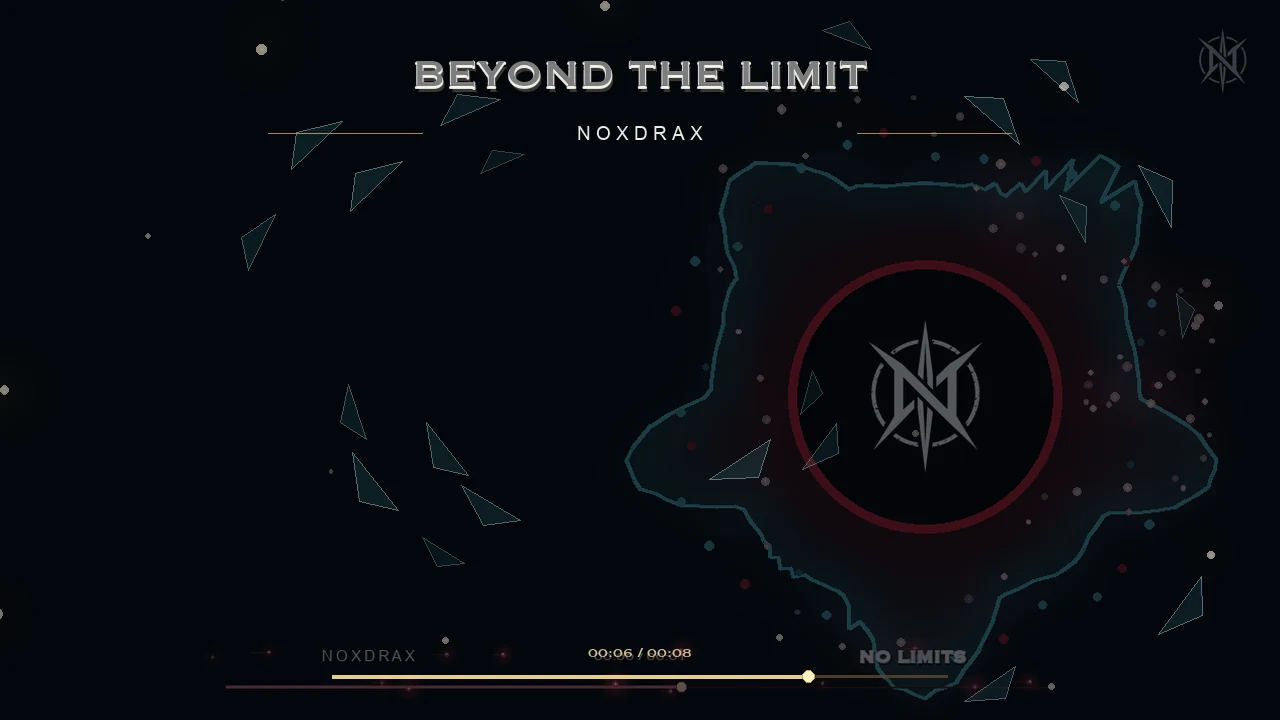 NORTHERN GLASS
Use lines and grids when you want the frequency content to read clearly across the frame.
Build a strong centre around a logo, title or subject while the visual response follows the track.
Create a more cinematic response that supports the artwork without turning every release into equaliser bars.
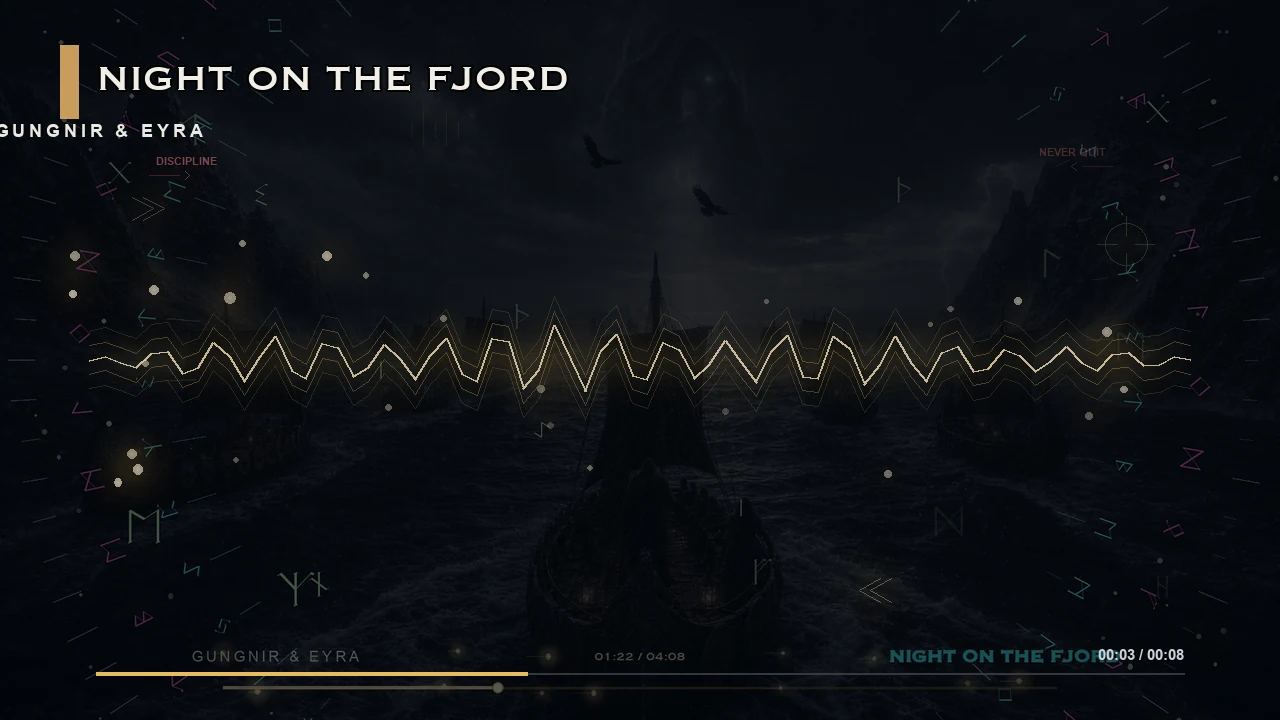
Select the visualizer, tune the audio response, place it around the artwork and coordinate the palette. Then export landscape for YouTube or, with PRO, native vertical video for social channels.
It is a video in which lines, rings, grids or other shapes respond to the frequency and energy of audio.
Yes. Choose a visualizer and adjust its colour, placement, response and supporting effects.
Yes. YOLO Studio PRO supports both 16:9 and 9:16 output.
Understand spectrum and waveform visuals, choose a design for vocals, bass or cinematic music, and test the same song passage before exporting.
Audio visualizer is the broader term: it describes graphics driven by sound. A spectrum display focuses on how energy changes across frequency regions. For a release video, the useful question is whether that reaction helps the listener follow the track while keeping the artwork and credits readable.
Compare spectrums and waveforms, or explore the audio visualizer software overview to choose a desktop workflow and export edition.