Start with the real cover
Load the image, preserve the artist and title, and build motion around the composition instead of covering it.
 YOLO STUDIO
Your cover already defines the release. YOLO Studio keeps it at the centre, then adds audio-reactive spectra, image movement, colour and particles to turn a single image into a publishable music video.
Load the image, preserve the artist and title, and build motion around the composition instead of covering it.
Use a restrained ring, field, chord or waveform for the genre and tune its response to the track.
Create a landscape version for YouTube and a vertical PRO version for Reels, TikTok or Shorts.
Use the same cover, palette and visualizer across a full-track upload, announcement clip and vertical teaser. The campaign stays recognisable while the format changes.
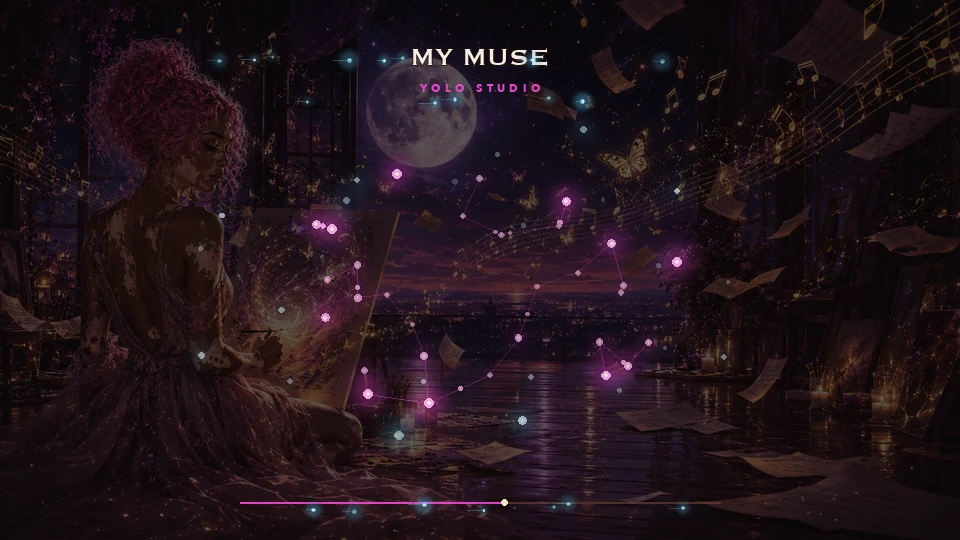
Yes. Add your track and cover image, select a visualizer, and tune image movement, colours and particles.
PRO supports both 16:9 and 9:16 output. Free and Standard are designed around landscape output.
No. YOLO Studio provides the layout, audio reaction, preview and video export workflow.
Prepare square cover artwork for landscape and vertical music videos: avoid cropped titles, preserve faces, choose image size and check your export.