1
Drop the video into COVER.
PRO accepts video backgrounds. Add footage to the same area where you would normally place a still image.
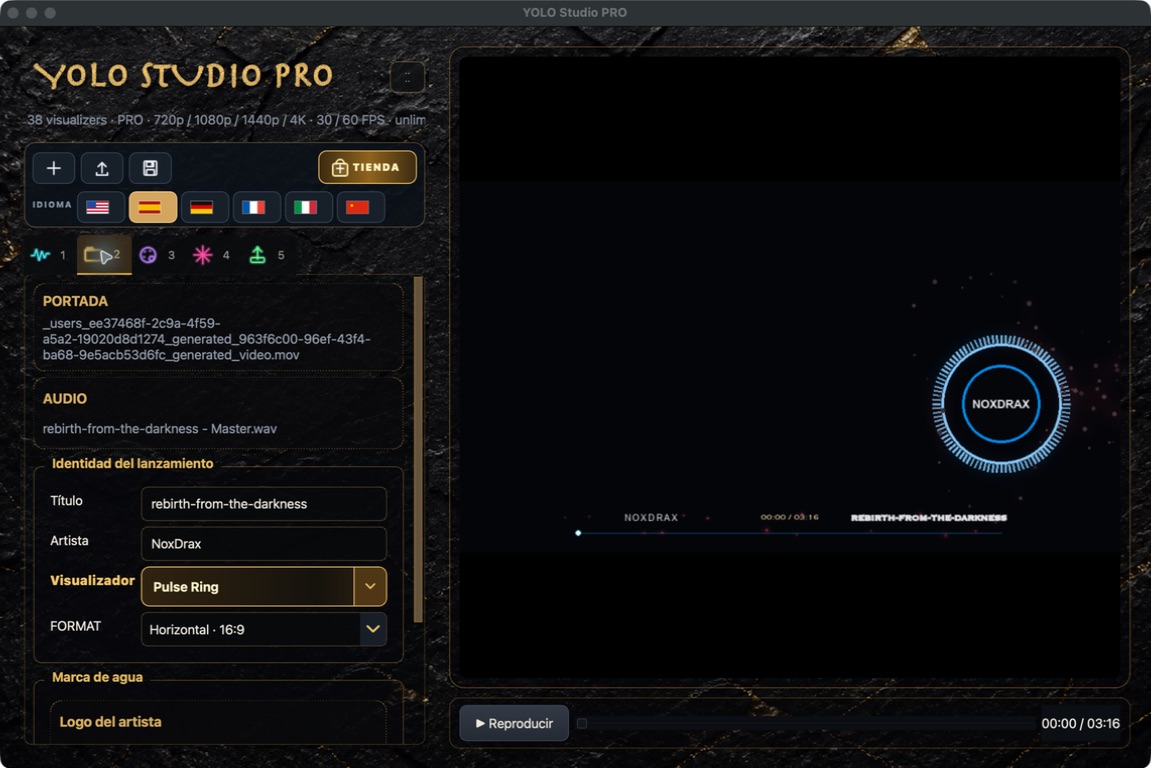
 YOLO STUDIO
Use real footage as the background and let the beat drive its movement and colour highlights. Keep a clearly visible reactive spectrum above it.
Build the backgroundPRO accepts video backgrounds. Add footage to the same area where you would normally place a still image.
The audio drives the effects. If you replace the mix or master, reanalyse the audio before checking the reaction.
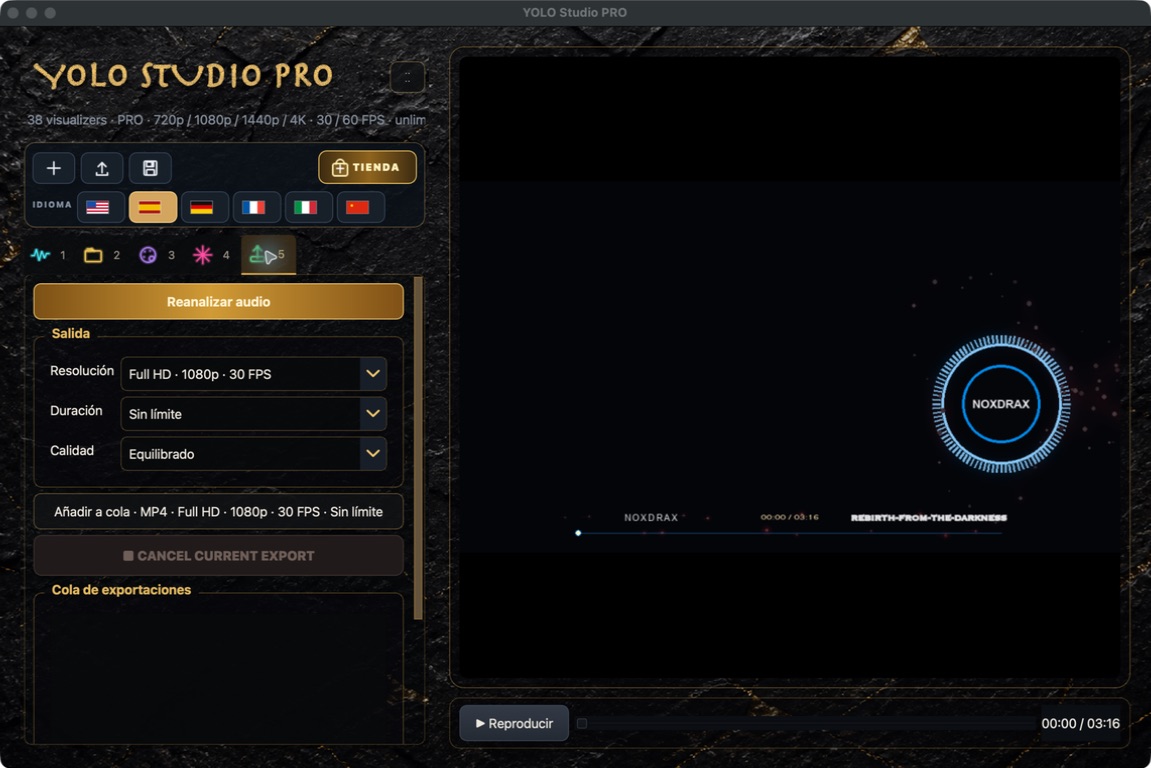
PRO can apply beat-driven background motion and colour enhancement. Start at moderate intensity so it does not fight the spectrum.
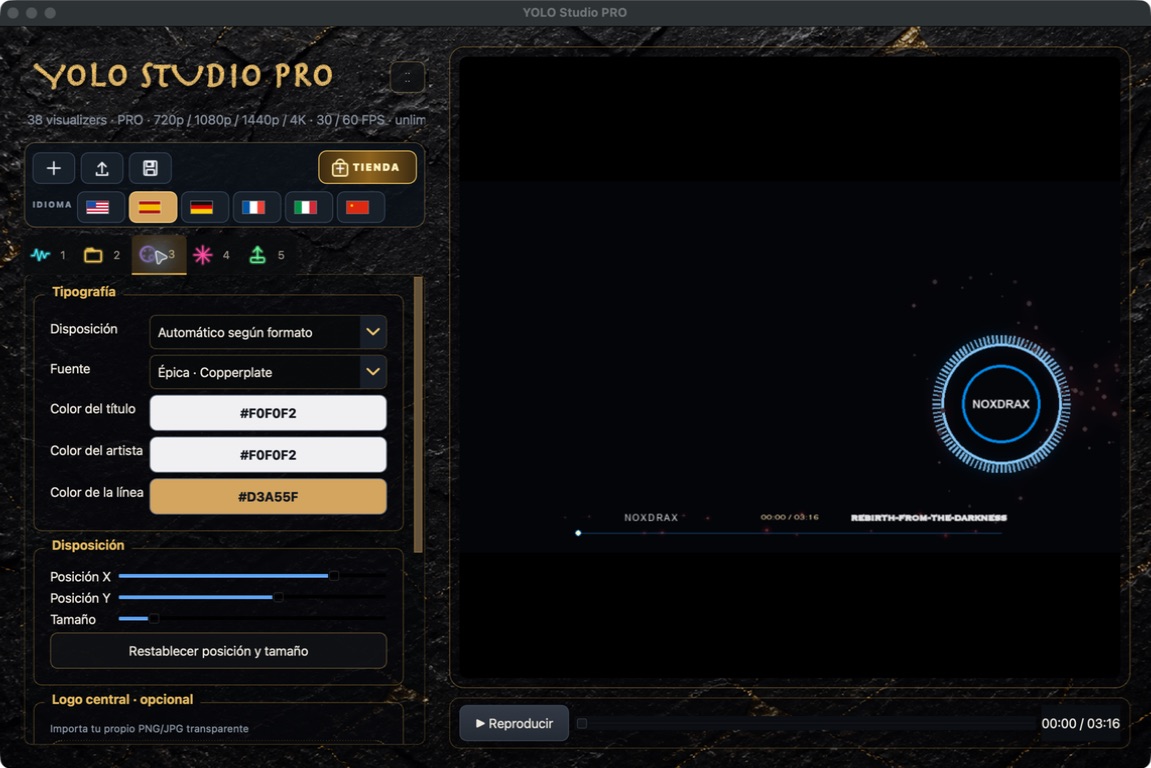
The footage attracts attention, but the spectrum communicates the beat. Place it over a clean area and check its bass response.
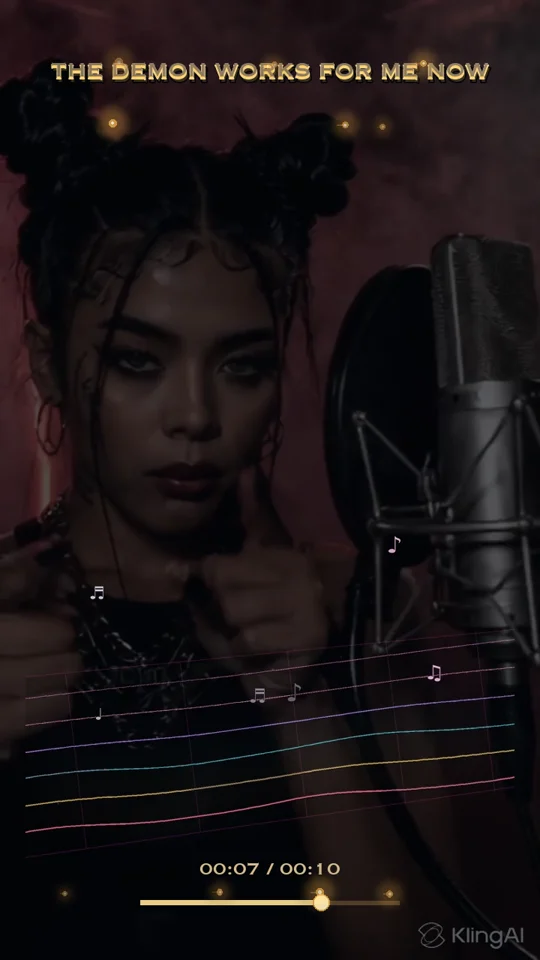
Test quiet sections and the chorus before exporting the complete song.
Next: export in 4K